Skip to content
MyTutorialRack Logo
  • Home
    • Our Team
  • Courses
    • Salesforce Admin
      • Salesforce Admin certification course
      • Salesforce Certified Platform App Builder Course
      • Salesforce Interview Question with Answers
    • Salesforce Integration
      • Salesforce Integration With External Systems
      • Salesforce Integration With External Systems Part 2
    • Salesforce Development
      • Salesforce Development Training for Beginners
      • Salesforce Certified Platform Developer I (LWC & AURA also)
      • Salesforce Lightning Web Component Development
      • ChatGPT chatbot for Salesforce Admin and Developers Chat GPT
      • Salesforce Apex Programming Language
      • Salesforce Apex-Triggers,Email Service,Batch Processes
    • Salesforce AI
      • Salesforce Agentforce Specialist Certification
      • Salesforce Agentforce Specialist Certification Practice Test
      • Salesforce Development with AI : Cursor + Agentforce Vibe
    • Salesforce Cloud
      • Salesforce Experience (Community) Cloud Consultant Training
      • Salesforce Data Cloud Consultant Certification Course
      • Salesforce Data Cloud Consultant Practice Tests
  • Subscriptions
  • Blog
  • Consultation
  • Live Training
  • Dashboard
    • Student Login
    • Student Registration
    • Logout
Book A Consultation
Book A Consultation
MyTutorialRack Logo
  • Home
    • Our Team
  • Courses
    • Salesforce Admin
      • Salesforce Admin certification course
      • Salesforce Certified Platform App Builder Course
      • Salesforce Interview Question with Answers
    • Salesforce Integration
      • Salesforce Integration With External Systems
      • Salesforce Integration With External Systems Part 2
    • Salesforce Development
      • Salesforce Development Training for Beginners
      • Salesforce Certified Platform Developer I (LWC & AURA also)
      • Salesforce Lightning Web Component Development
      • ChatGPT chatbot for Salesforce Admin and Developers Chat GPT
      • Salesforce Apex Programming Language
      • Salesforce Apex-Triggers,Email Service,Batch Processes
    • Salesforce AI
      • Salesforce Agentforce Specialist Certification
      • Salesforce Agentforce Specialist Certification Practice Test
      • Salesforce Development with AI : Cursor + Agentforce Vibe
    • Salesforce Cloud
      • Salesforce Experience (Community) Cloud Consultant Training
      • Salesforce Data Cloud Consultant Certification Course
      • Salesforce Data Cloud Consultant Practice Tests
  • Subscriptions
  • Blog
  • Consultation
  • Live Training
  • Dashboard
    • Student Login
    • Student Registration
    • Logout
  • sa
  • April 19, 2022

There is no doubt in the fact that you need to share records with individual users who don’t belong to a group. Well, Salesforce provides you with a better solution to counter this situation. We bring you this blog where you will learn everything about Manual Sharing in Salesforce. Further, you can share the record with a group of individuals with different permission sets in the system.

Table of Contents

Toggle
  • What is Manual Sharing in Salesforce?
  • Access Levels of Manual Sharing
    • #1 Full Access
    • #2 Read Only
    • #3 Read/Write
    • #4 Private

What is Manual Sharing in Salesforce?

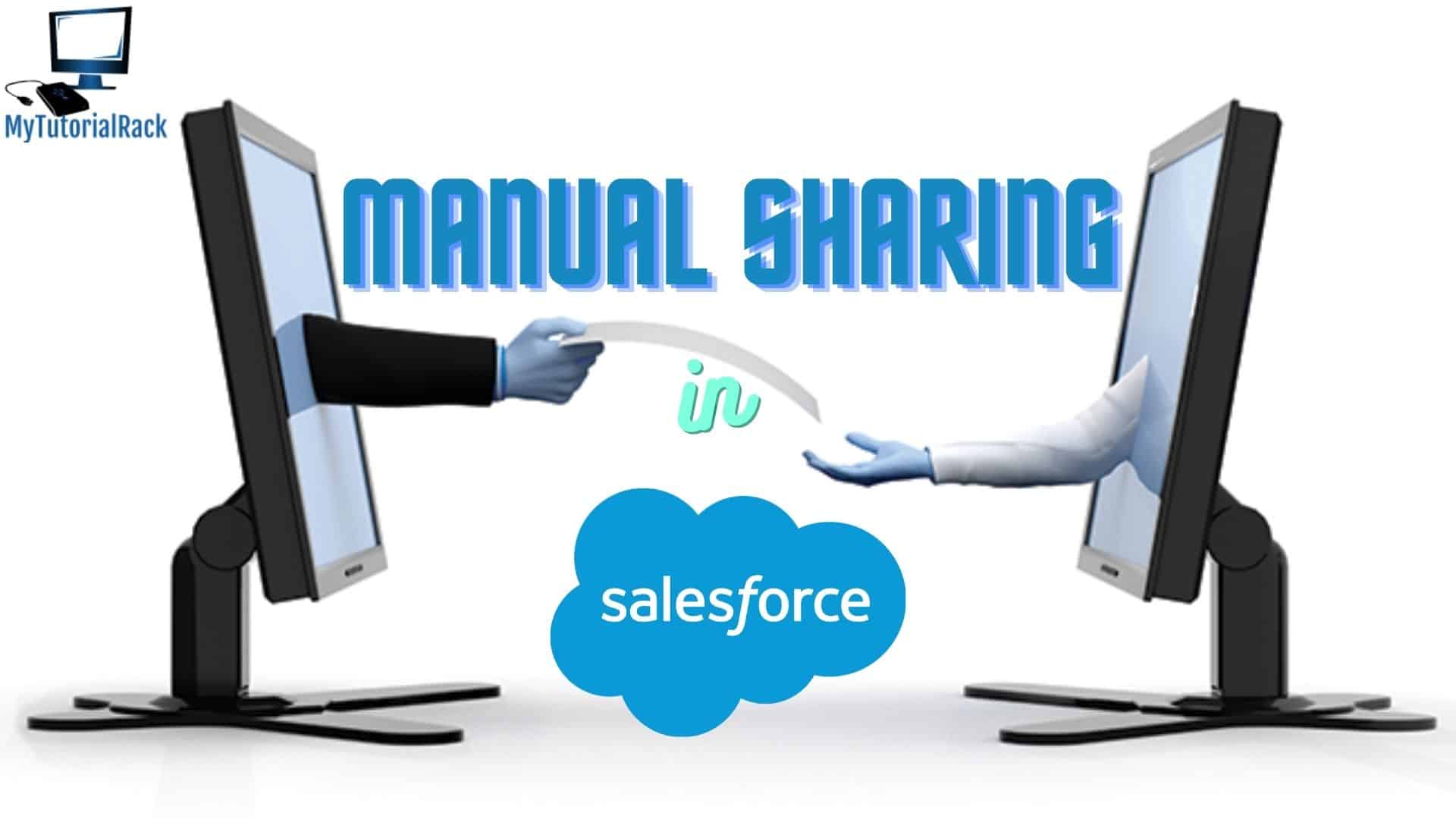
Manual Sharing is the most effective way to share a record with an individual without disclosing the entire database. The user might belong to a different class and you can’t classify his profile under a specific category. Also, Manual Sharing supports sharing data with a group of users in the organization. Salesforce Admin can easily proceed with it through the “Share” button present on the record itself.

Manual Sharing in Salesforce- My Tutorial Rack

Manual Sharing is important because it allows you to share records with users who don’t have alternate access to it. However, the following users are eligible to further share the records,

  • Owner
  • Administrator
  • User with a higher hierarchy level than the owner
  • User with Full Access

Access Levels of Manual Sharing

Moving ahead, there are four types of access levels present in Manual Sharing in Salesforce,

#1 Full Access

As the name suggests, users with Full Access have complete authority over the record. They can edit, view, delete, and even transfer the record in Salesforce. Although, these users don’t have permission to grant full access to other user profiles.

#2 Read Only

Users can only read the record but don’t have the access to edit the data stored in it.

#3 Read/Write

In addition to Read only permissions, users can even write and edit the data in the record.

#4 Private

No user can access the record within the organization.

If you want to learn more about it, enroll for our special
Salesforce Platform App Builder Certification course just for you!
We have a special discount exclusive for our readers.
Share:

PrevPreviousSharing Rules in Salesforce
NextQueues in SalesforceNext

Recent Posts

AgentForce 360

AgentForce 360 and the Agentic Revolution — Dreamforce 2025 Unveiled

October 31, 2025 No Comments
Read More »
Salesforce Admin and Developer Live Training

Salesforce Admin and Developer Live Training

October 29, 2025 No Comments
Read More »
Autonomous Agents in Salesforce

Set Up Autonomous Agents in Salesforce: A Complete Guide

October 27, 2025 No Comments
Read More »
Flow GPT

Explore Flow GPT in Salesforce to Make Smart Workflows in Minutes

October 27, 2025 No Comments
Read More »
Agentforce Vibes

How Agentforce Vibes is Changing the Way Salesforce Developers Code

October 17, 2025 No Comments
Read More »

Lost your password?

Useful Links

  • Home
  • Blogs
  • Contact
  • Courses
  • Free Training
  • Tutorial
  • FAQ

Contact Details

  • 880 Twin Buttes Dr, Prosper TX
  • info@mytutorialrack.com
  • Connect with me on Linkedin

Connect with me

Youtube Linkedin-in Facebook Instagram
Book A Consultation
Copyright © 2026 careerzodiacs | Designed by LETSTARTS

Start typing and press enter to search

Deepika Khanna
Book A Consultation